
Youform MCP is here!
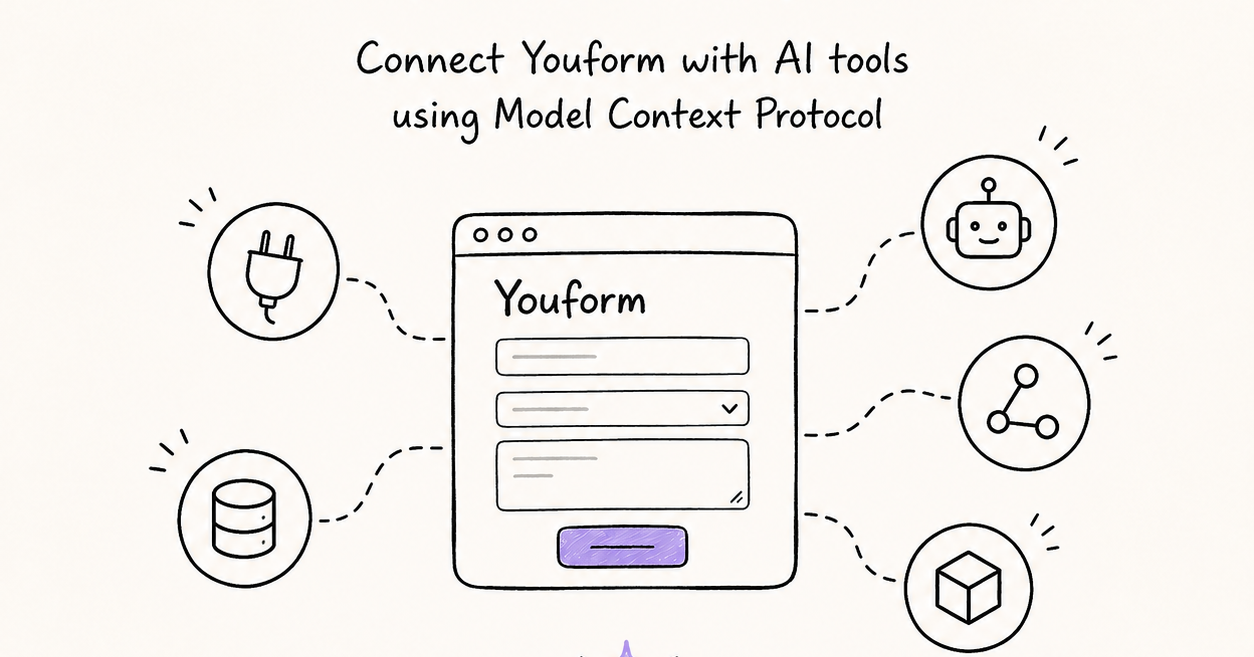
Talk to your forms 🤖
You can now connect Youform directly to Claude, ChatGPT, Cursor, and any AI assistant that supports MCP (Model Context Protocol). Describe the form you want in plain language and your assistant builds it right in your Youform workspace — then analyzes the responses for you once they roll in.
Here's what you can do:
Create forms by chatting: "Make a job application form with a resume upload, a LinkedIn URL, and three short questions."
Edit existing forms: "Add a phone field to my contact form and reorder it so email comes first — then publish it."
Analyze responses without exporting: "Summarize this week's feedback in two paragraphs" or "Which bug reports mention crashes?"
Check your numbers: views, starts, and completion rates, straight in the chat.
How to connect:
Claude: Settings → Connectors → Add custom connector → paste https://app.youform.com/mcp
ChatGPT: Turn on Developer mode in Settings, then add https://app.youform.com/mcp as an MCP connector.
Claude Code / Cursor / other MCP clients: add https://app.youform.com/mcp as an HTTP MCP server.
You'll log in with your regular Youform account and approve access on a consent screen. Your assistant can only see what your account can see — and it can never delete your forms or responses.
Free on all plans. Happy building! ✨